Building an AI agent? If you've tried running continuous loops on a standard local LLM setup, you've probably hit the dreaded Out-of-Memory (OOM) error.
Picking a GPU for a standard chatbot is straightforward. Picking one for an AI agent workload is a completely different engineering challenge.
Chatbots answer once and stop. Agents loop. They plan, call a tool, read the result, and plan again—sometimes a dozen times before finishing a single task. Every loop eats further into your available VRAM.
If you are moving your workloads to dedicated hardware to escape compounding cloud API costs, sizing your server correctly is critical. Here is the exact math needed to calculate your local LLM GPU requirements, what quantization actually buys you, and why the KV cache is the variable most engineers forget.
Note: This is a developer-focused breakdown from my original architectural guide on BytesRack.
Why AI Agents Demand More GPU Power
A standard LLM chat deployment uses a single forward pass: prompt in, response out, done. Memory usage is highly predictable because the interaction is short and bounded.
An agent is fundamentally different. It runs a reasoning loop (think, act, observe, repeat), and each pass through that loop adds to the context the model must carry. Multi-agent frameworks like AutoGen or CrewAI compound this further by loading multiple models or parsing massive structured JSON outputs.
The architectural bottleneck: An agent's context window grows continuously during a task. That growing context is stored in VRAM as KV (Key-Value) cache, making it the single most underestimated metric in AI agent hardware sizing.
VRAM Is the Non-Negotiable Constraint
With traditional backend servers, CPU cores and system RAM dictate performance. With LLM workloads, the paradigm shifts entirely to the GPU. The model must fit inside the GPU's Video RAM (VRAM) in full, or it simply will not run.
A simple rule of thumb for full-precision (16-bit) model weights is: 1 billion parameters ≈ 2 GB of VRAM
Therefore, an unquantized 70B parameter model requires roughly 140GB of VRAM just to hold the weights in memory—before you've served a single agent request.
The Impact of Quantization
Quantization compresses model weights to a lower precision, trading a negligible amount of accuracy for a massive reduction in memory footprint. Common formats include GGUF, AWQ, and EXL2.
Here is the rough VRAM footprint by quantization level (model weights only, excluding KV cache):
| Model Size | FP16 (16-bit) | 8-bit | 4-bit |
|---|---|---|---|
| 8B | ~16GB | ~8GB | ~4-5GB |
| 32B | ~64GB | ~32GB | ~16-18GB |
| 70B | ~140GB | ~70GB | ~35-40GB |
A 4-bit quantized 70B model fitting into roughly 35-40GB is the breakthrough that makes self-hosting these models realistic without an enterprise cluster.
The Formula: Calculating Total VRAM
To avoid OOM errors, calculate your maximum VRAM ceiling before provisioning hardware. The baseline formula is:
$$\text{Total VRAM} = \text{Weights}{\text{quantized}} + \text{KV Cache}{\text{context}} + \text{Overhead}$$
- Model Weights: The compressed size of your model (e.g., ~38GB for a 70B 4-bit model).
- KV Cache: Every token an agent processes is cached as key-value pairs. For long tool-use chains, KV cache can rival the size of the model itself.
- Overhead: Covers the CUDA runtime, the inference engine's process memory (vLLM or llama.cpp), and a safety buffer. Always budget 10-15% of your total VRAM as overhead.
Worked Example: Coding Agent (70B Model)
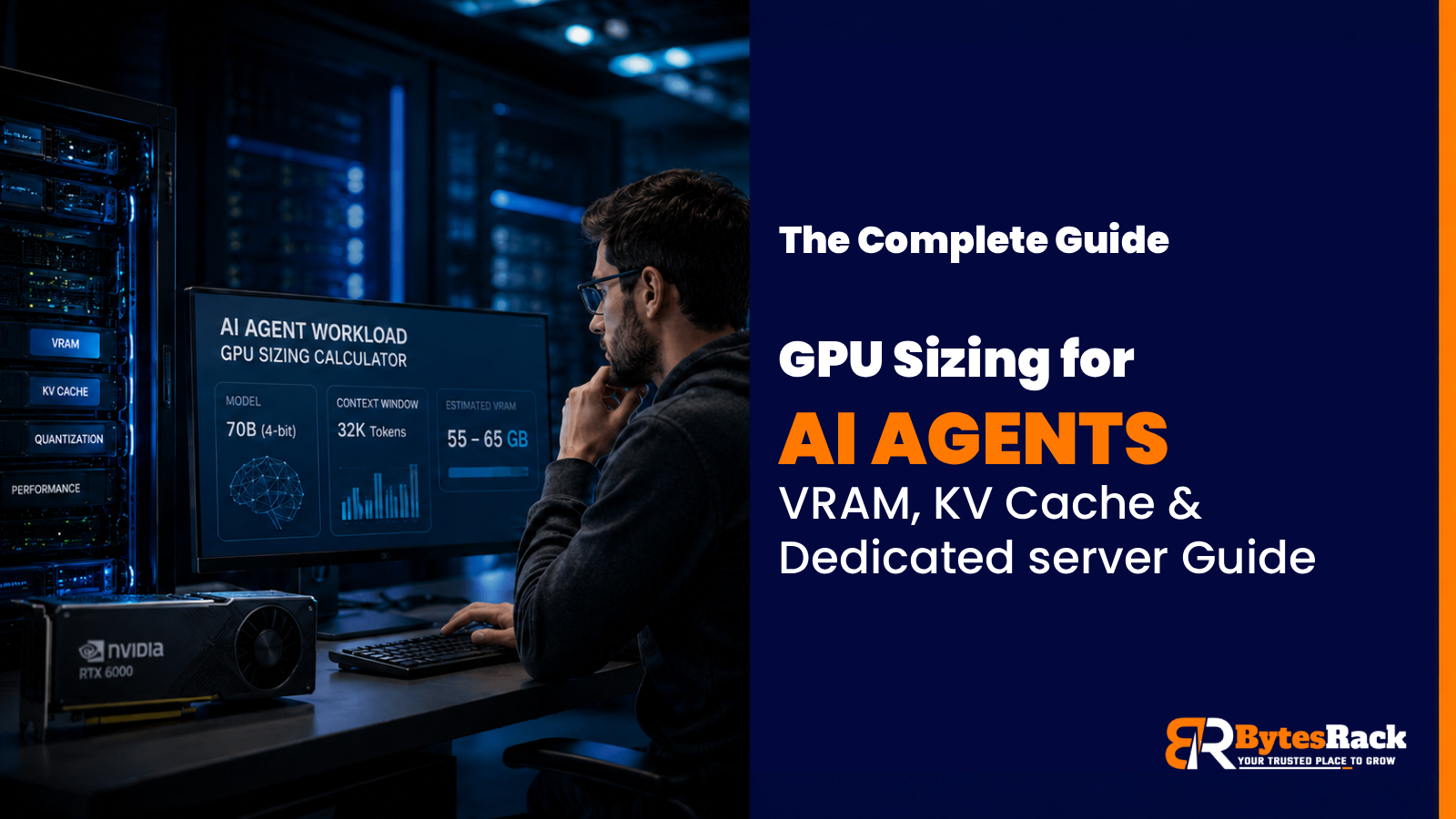
- Model: 70B parameters at 4-bit quantization = ~38GB
- Context: 32K context window (for reading multi-file codebases). Budget an additional 8-12GB for KV cache.
- Overhead: 10-15% of the running total = ~5-7GB.
- Total VRAM Needed: 55-65GB
The Reality Check: This workload instantly rules out a single 48GB card and points toward either a single 80GB card (like an A100) or two consumer GPUs utilizing tensor parallelism.
2026 Hardware Tiers: What Actually Works?
Matching the GPU tier to the actual workload is where you unlock major infrastructure savings.
- Consumer Grade (RTX 4090 / RTX 5090): The 32GB GDDR7 VRAM on the 5090 is great for smaller models. Caveat: No NVLink. Multi-GPU setups rely entirely on motherboard PCIe bandwidth for tensor parallelism.
- Enterprise & Edge (L40S / RTX PRO 6000 Blackwell): Ranging from 48GB to 96GB VRAM. Single-slot friendly. The 96GB Blackwell can comfortably run a quantized 70B model with a massive context window on a single PCIe slot.
- Heavyweight Datacenter (H100 / H200): The H200 offers 141GB HBM3e VRAM. Overkill for a local solo agent, but absolutely mandatory for high-concurrency SaaS platforms handling hundreds of expanding KV caches.
Don't Bottleneck the Bare Metal
Finally, don't let a poorly matched server cripple your expensive GPUs.
- Provision 1.5x to 2x your total VRAM in system RAM.
- Use Gen4 or Gen5 NVMe SSDs (loading a 40GB model from SATA is painfully slow).
- Ensure your CPU has enough cores to handle vector database lookups without stalling your RAG pipeline.
What hardware are you currently using to run your agent loops? Let me know in the comments!
Comments
Join the discussionNo comments yet. Be the first to comment.